FREE LICENSE PLATE BLUR
Blur license plate online for free
Blur license plate numbers in your car photo automatically. Check the result, adjust a missed area and download a clean PNG.
Your photo stays in this browser. No upload, signup or watermark.
THE SAME PHOTO, READY TO SHARE
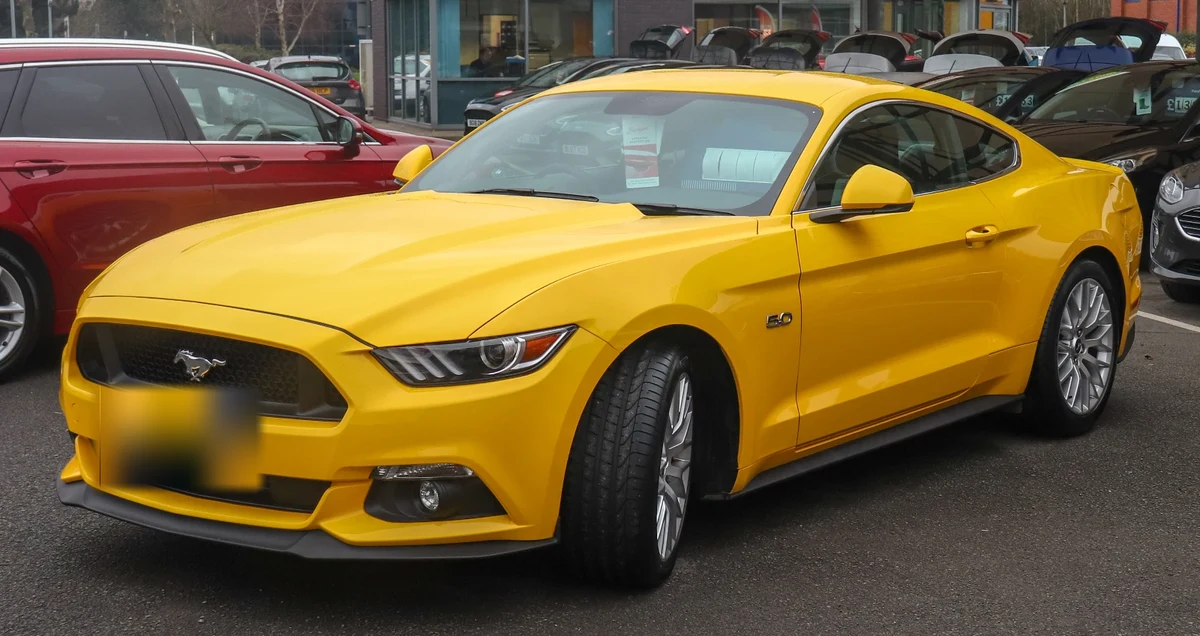
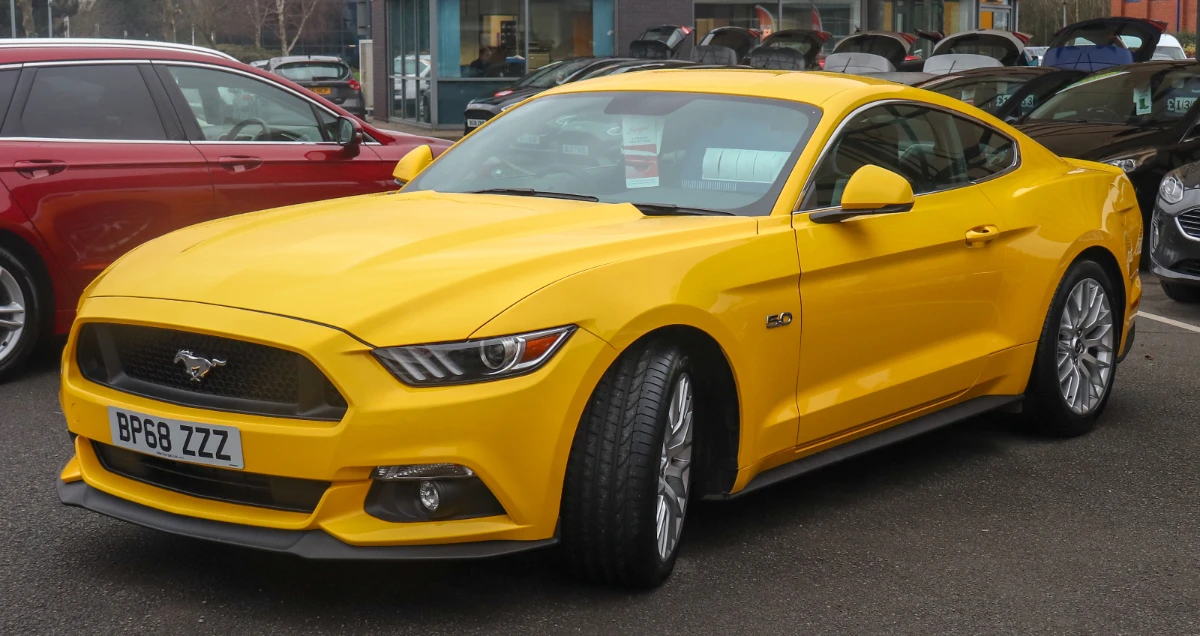
Blur license plate details.
Keep the car in focus.
Keep the paint, wheels and setting in view. The blur sits over the selected plate area, so the rest of your photo keeps its detail.
 FOR THE PHOTOS YOU WANT TO POST.
BEFORE IT GOES PUBLIC
Car photos ready for listings
and social posts.
Car listings
Let buyers see the bodywork and condition. Cover the plate before putting a photo on a marketplace or sharing it with an interested buyer.
Meetups & social posts
Share the car you spotted or the lineup you enjoyed. Remember the other vehicles in the shot, including those at the edge of the frame.
Street & travel photos
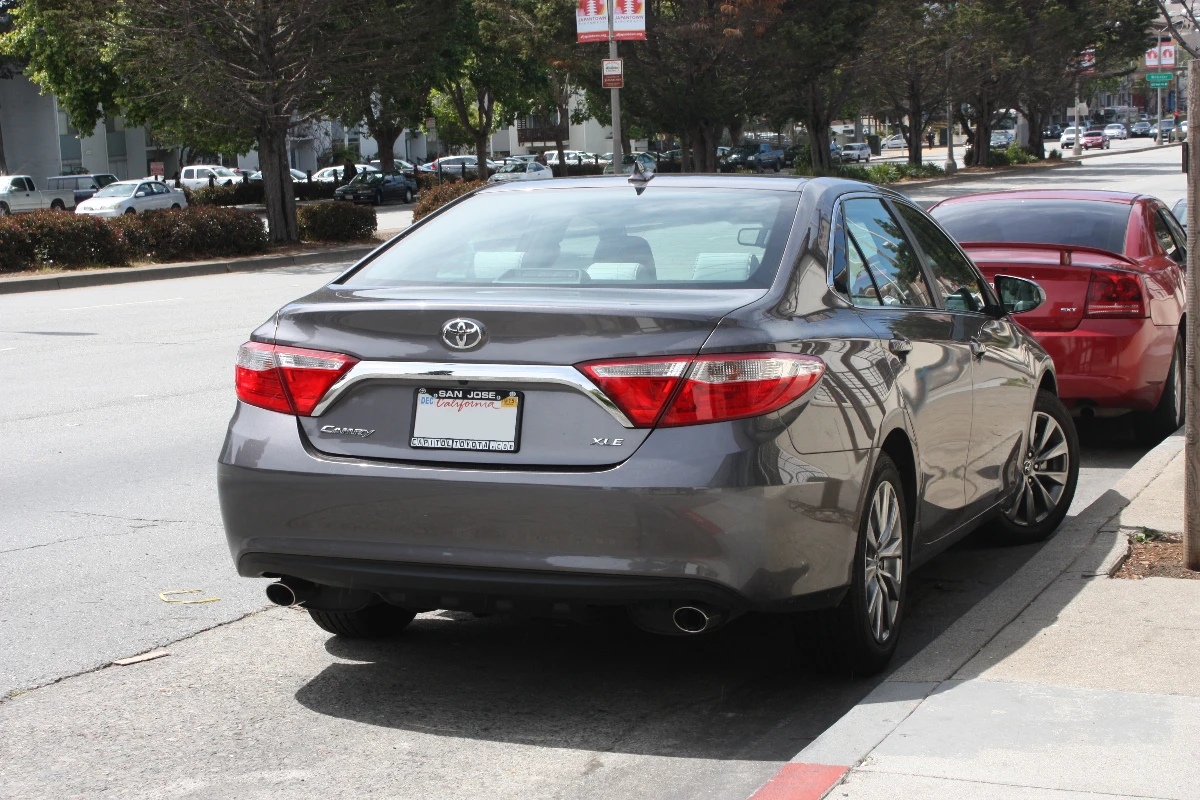
A parked car can be a small part of a bigger scene. Hide its number while keeping the architecture, road and surroundings intact.
YOU GET THE FINAL SAY
Blur license plate numbers
the scan missed.
Choose Adjust areas to show the editing boxes. Add a missing area, move its border over the plate, or remove an unwanted detection. Undo takes back your last adjustment.
Keep the full number inside the selection. Choose Done adjusting to hide the boxes and inspect the clean result; use Show original for a quick comparison before saving.
Choose your photo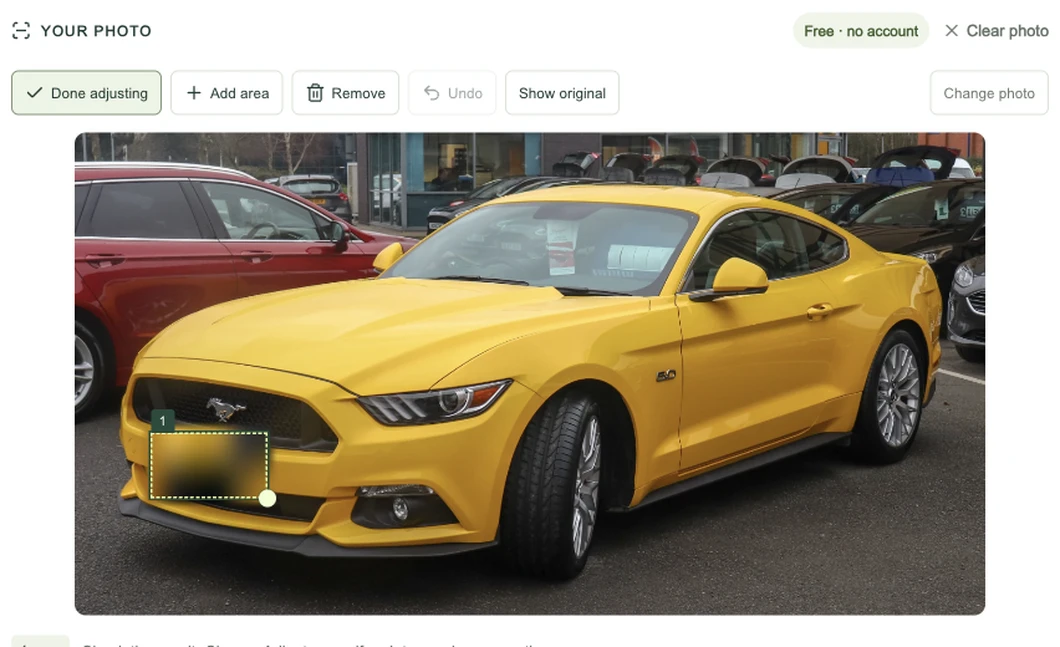
FROM PHOTO TO DOWNLOAD
How to blur license plate numbers in a photo.
- 01
Choose the photo
Open a car photo from your phone or computer. The image appears in the editor, and the automatic scan begins.
- 02
Check the areas
Look at each visible plate. Adjust the detected boxes and cover anything the scan missed.
- 03
Save your copy
Download the blurred PNG. Keep your original separately, then use the edited image for your listing or post.
GOOD TO KNOW
License plate blur questions.
A few details for choosing your photo and finishing the edit.
Is this license plate blur tool really free?
Yes. You can choose a photo, use automatic detection, adjust areas and download the finished PNG for free. There is no account requirement, credit charge or watermark. Process one photo at a time. The first automatic scan downloads the detection files; after that, your browser may reuse its cached copy.
Which image formats and sizes can I use?
You can blur license plate numbers in JPG, PNG or WebP photos under 20 MB, up to 12 megapixels and 6,000 pixels on either side. A typical 4,000 × 3,000 phone photo fits. The download is a PNG at the accepted photo’s original dimensions. Export HEIC as JPG first; resize larger photos in your photo app before choosing them here.
Can I blur more than one plate in the same photo?
Yes. You can blur license plate numbers on several cars in one photo. Each detected plate gets its own area. You can add an area for another car, adjust the corners or remove an unwanted detection. Check parked cars in the background as well as the main vehicle. If the automatic scan finds nothing, the same manual controls still let you finish the photo.
Does it work with angled, small or dark plates?
Automatic detection can miss a plate that is distant, turned sideways, partly covered or affected by glare. Inspect the preview and add an area if needed. Cover the entire number, including characters at the edges. A completed scan is a starting point for your review, rather than proof that every plate has been hidden.
Are my photos uploaded or saved on your servers?
No. This photo tool reads and edits the file in your browser. It downloads the detection model but does not upload your image for processing or save it in a website account. Normal website usage analytics may still run. Tool events contain usage categories, without your photo, filename or plate number. Refreshing the page clears the editor.
Can I blur a license plate in a video here?
This page accepts still photos. To blur license plate numbers in a video, you need a mask that follows them across frames. A photo selection cannot cover a whole clip. Use a video editor with mask tracking for that task. For a different video task—softening people’s faces—our separate face blur tool is available.
Open the face blur video toolCan I undo the blur after downloading?
The downloaded PNG contains the edited pixels, with no removable blur layer. Keep your original photo separately if you may need another edit. While the photo is open here, Undo reverses your last adjustment. Show original lets you compare it, and Clear photo returns to the upload screen. Cancel scan stops automatic detection while keeping the photo available for manual editing. Before publishing, inspect the saved file at the size people will actually see.
Your car photo, ready to share.
Choose a car photoPhotos: Vauxford, CC BY-SA 4.0 (resized and plate blurred); street photo: MooFridge, CC0.

